
Accessibility
How DisAbility Partners makes this website usable for everyone, the accessibility options built into it, and how to tell us about a problem.
Our commitment to accessibility
DisAbility Partners is a Center for Independent Living run by and for people with disabilities, so this website is built to be usable by everyone.
We aim to meet the Web Content Accessibility Guidelines (WCAG) 2.1 Level AA and the requirements of the Americans with Disabilities Act (ADA).
What is built in
- Keyboard navigation:
menus, links, buttons and forms work without a mouse, and a "Skip to main content" link comes first on every page.
- Screen-reader structure:
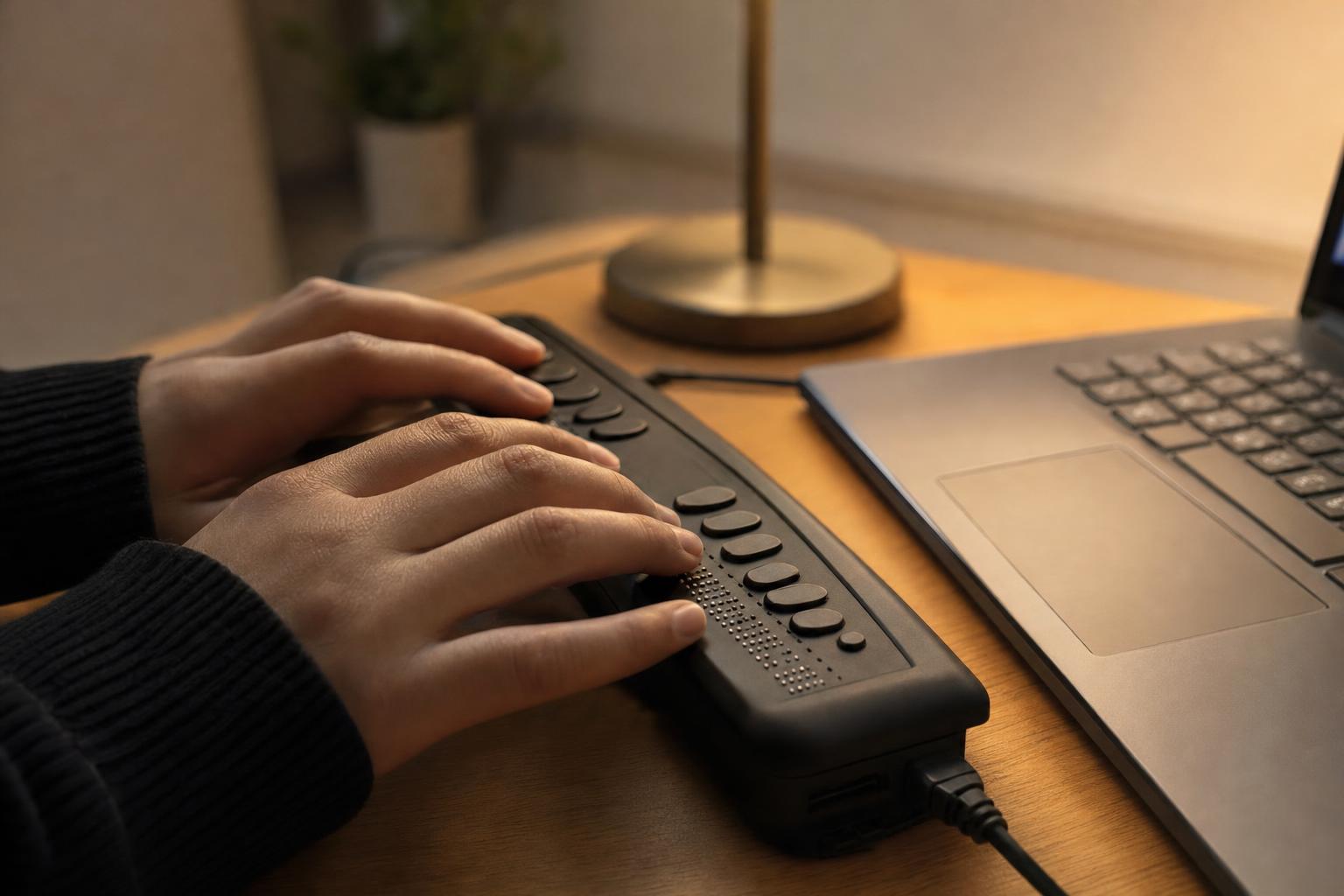
pages use headings, landmarks and labeled controls so assistive technology can describe them.
- Text that scales:
you can enlarge text in your browser or with our Accessibility options menu.
- Color contrast:
text and controls are designed to meet the AA contrast ratio, and the menu adds dark and high-contrast color choices.
- Captions and alt text:
photos have text descriptions for screen-reader users, and we aim to caption any video we publish.
- Reduced motion:
the site follows your device's reduced-motion setting, and you can turn animations off yourself.
- The Accessibility options menu:
the round Accessibility button at the lower left of every page opens it.
Known limitations
Some older PDF documents in our newsletter and document archives were created before this site and may not read well with a screen reader. We are converting them; contact us and we will provide any document in a format that works for you.
Report a problem
If something on this site is hard to use, please tell us. Call our Asheville office at (828) 298-1977 or our Sylva office at (828) 631-1167, or use the contact form.
This statement was last reviewed in October 2026.
Having trouble with this site?
Tell us what happened and which page it was on. Your feedback helps us make the site work for everyone.